Feature · Themes & keys
The whole app wears the theme.
A Termany theme goes far beyond sixteen ANSI colours. It reshapes the window — far enough that Windows 98 gets its bevels and navy title bars back.
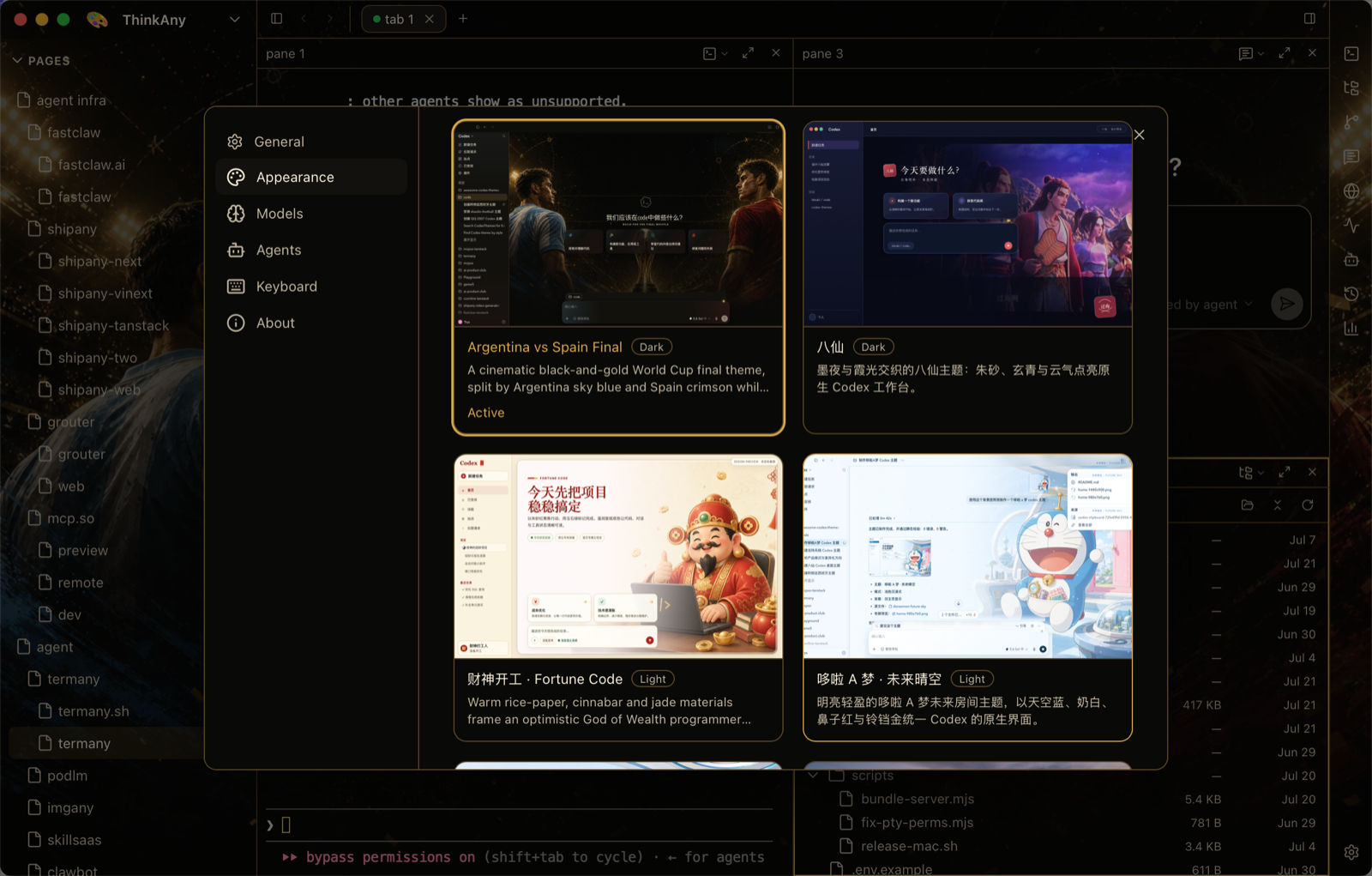
Eighteen built-in themes
Codex, Default Dark, Daylight, Charcoal, Meadow, Solarized Dark, Gruvbox Dark and Light, Rosé Pine and Rosé Pine Dawn, Aurora, Horizon, Phosphor, Windows 98, Windows XP, Aqua, Blue Screen, and Spreadsheet.
- Step through them with ⌥⌘. and ⌥⌘,
- Open the picker with ⌥⌘T
More than a colour scheme
The sidebar, the tab strip, the gap and corner radius of each pane, and the shadow under it all come from the theme. Installed CodexThemes packs appear in Settings → Appearance with their artwork and apply in one click.
Your keys, your language
All ~60 actions are rebindable in Settings → Keyboard. The right-hand rail hides the tools you do not use, and the interface ships in 21 languages. An optional system-wide hotkey shows and hides the window from any app.
Frequently asked questions
Can I make my own theme?
Install a CodexThemes pack and it appears next to the built-in themes in Settings → Appearance.
Why is the global hotkey off by default?
Most usable chords are already taken by Spotlight, launchers, input methods, or media keys, so you pick your own in Settings → Keyboard → System-wide.