Compare
Termany vs tmux
tmux is the standard terminal multiplexer: a client/server design where sessions survive disconnects, attach from anywhere, and are fully scriptable. Termany is a desktop terminal for running many agent sessions at once. They solve overlapping problems, and they work well together.
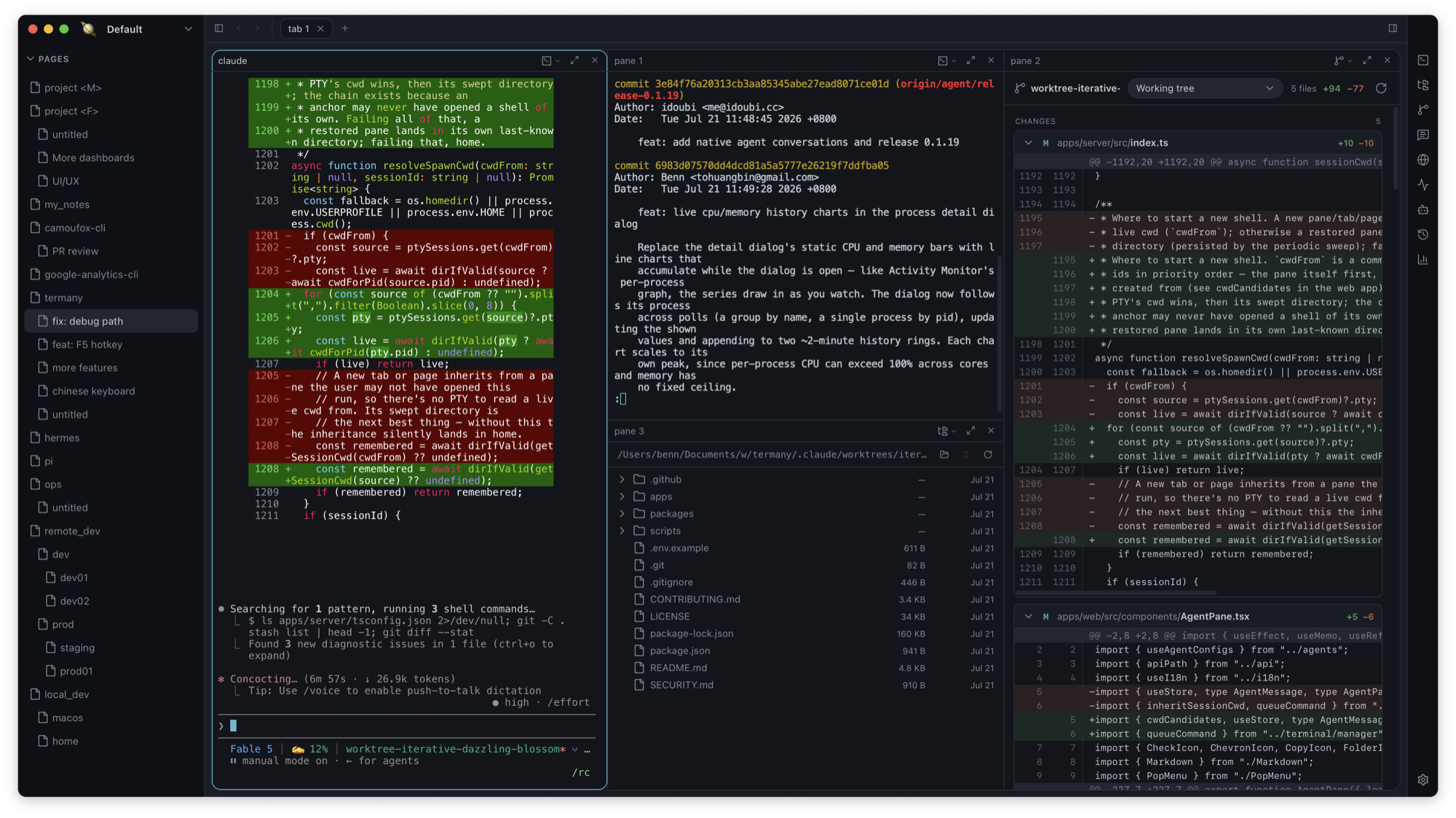
Different layers
tmux runs inside any terminal and on any server, driven entirely by the keyboard. Termany is the terminal itself: a window that organizes sessions as workspace → page → tab → pane and keeps every tab running, with its scrollback, while backgrounded.
Status without polling every window
In tmux, you cycle windows to see which agent is waiting for input. Termany reads each pane’s foreground job and screen changes, tags it working, done, or needs attention, and gathers tagged panes into an ACTIVE section.
Remote work, two ways
tmux on a dev box keeps long tasks alive through a sleeping laptop. Termany gives each pane its own SSH target, reconnects a dropped session on Enter, and forwards a remote port to loopback in one click. Many people do both: tmux on the server, Termany on the desk.
| Capability | Termany | tmux |
|---|---|---|
| What it is | Desktop terminal app | Terminal multiplexer |
| Interface | GUI with sidebar, tabs, panes, ⌘P search | Keyboard-driven, inside any terminal |
| Survives disconnects | Sessions persist while backgrounded locally | Yes — detach and reattach from anywhere |
| Runs on headless servers | No (connect via per-pane SSH) | Yes |
| Agent status tags | Working / done / needs attention | No |
| Diff, files, browser panes | Yes | No |
| Port forwarding | One-click SSH forward from a remote pane | Use ssh -L yourself |
| Scripting | Rebindable actions | Extensive commands and config |
| License | AGPL-3.0 | ISC |
Choose Termany if
- You want to see every agent session’s state at a glance instead of cycling windows
- You want diffs, file previews, and a browser next to your shells
- You prefer mouse-and-keyboard navigation with search over prefix keys
- You want per-pane SSH and port forwarding without hand-written commands
Choose tmux if
- You work over SSH on headless servers and need sessions that outlive the connection
- You script your layouts and want the same setup in every terminal
- You want something tiny that is already installed everywhere
Frequently asked questions
Can I use tmux inside Termany?
Yes. Each pane is a normal shell, so you can attach to a tmux session on a remote host from a Termany pane.
Does Termany keep sessions running like tmux?
Locally, yes: every tab is a persistent session that keeps running and keeps its scrollback while backgrounded. For tasks that must survive your laptop sleeping, run them on a dev box — with tmux if you like.
Is Termany a tmux replacement?
For local multi-session work, it can be. On headless servers, tmux remains the right tool, and the two combine well.