Feature · Files
Files, without leaving the terminal.
Any pane can switch from a shell to a file tree. Read what the agent wrote, fix a line, and get back to the prompt — all in the same window.
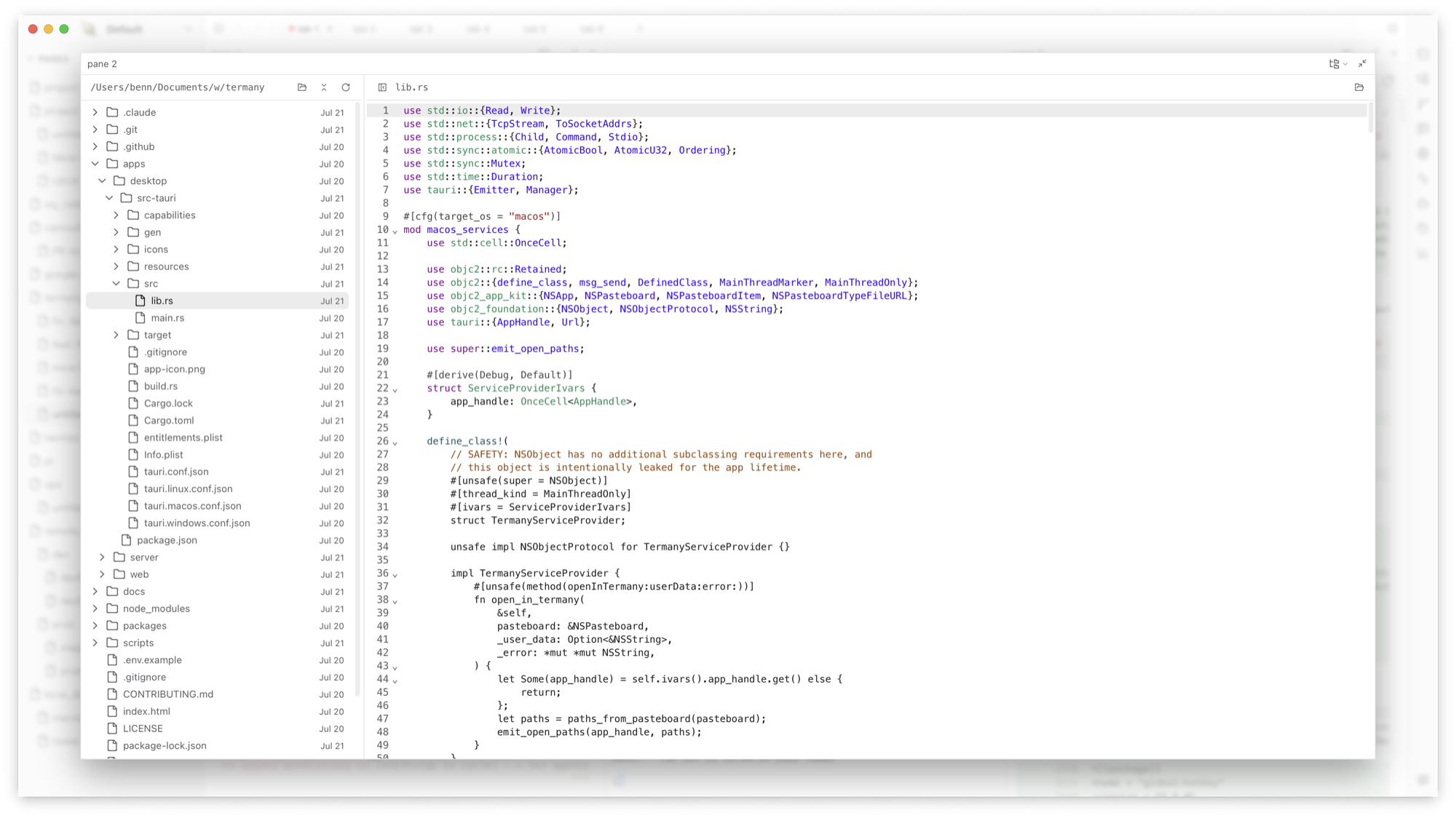
A file tree in any pane
Press ⌘E to cycle a pane’s views. The Files view shows a tree of the current project. Click a file to read it, or edit it in place with language-aware CodeMirror and save with ⌘S.
Inline previews for real documents
Agents produce more than code. Termany previews the files they leave behind without opening another app.
- Markdown and HTML, rendered
- Images, video, and audio
- PDF, DOCX, XLSX, and PPTX
Next to the agent that changed it
Put the agent in one pane and its files in the pane beside it. Combined with the Git diff view, you can review a change without reconstructing its context in an IDE.
Frequently asked questions
Is this a replacement for my IDE?
No. It is for reading and small edits next to the terminal. Keep your IDE for deep work; use Termany so you do not have to switch to it for every glance.
Which file types preview inline?
Markdown, HTML, images, video, audio, PDF, DOCX, XLSX, and PPTX. Other text files open in the editor with language detection.